
Muay Thai and boxing
Drop-ins, fighter packs, late classes and a waiver for everyone who steps in the ring.
30 days free. No card needed.
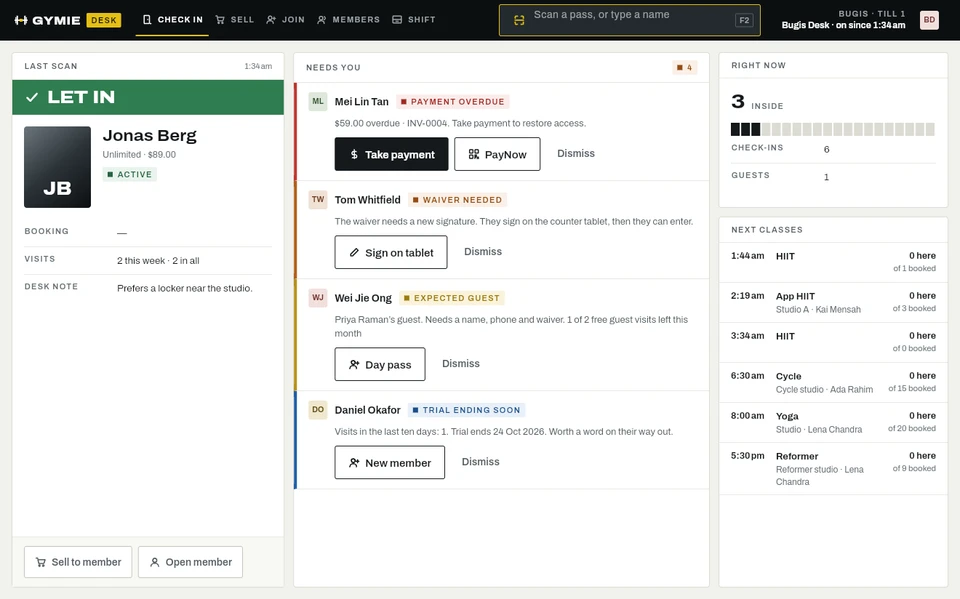
Waivers before anyone spars
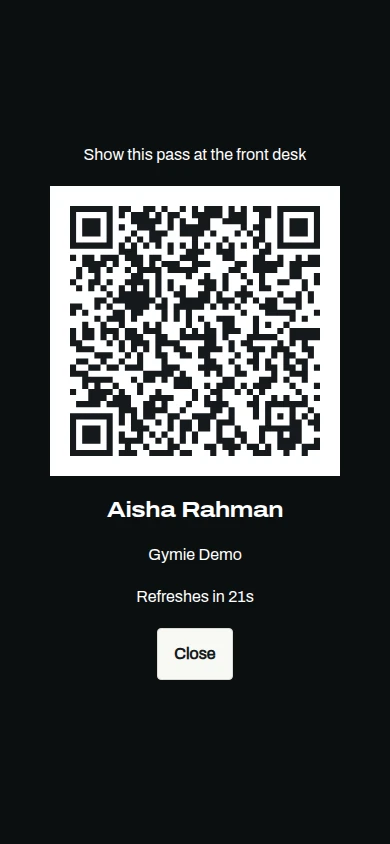
Members sign the waiver on the counter tablet or in the app. When one expires, the desk asks for a new signature before letting them in.
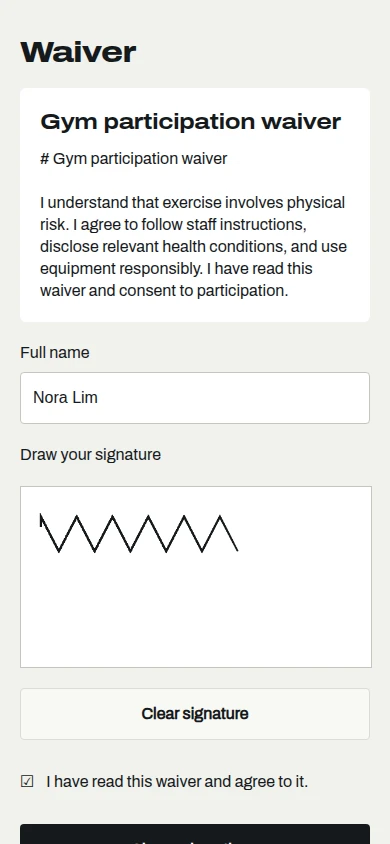
Drop-ins and packs
Sell day passes and class packs at the desk. Pack credits count down with each visit and expire when you set them to.
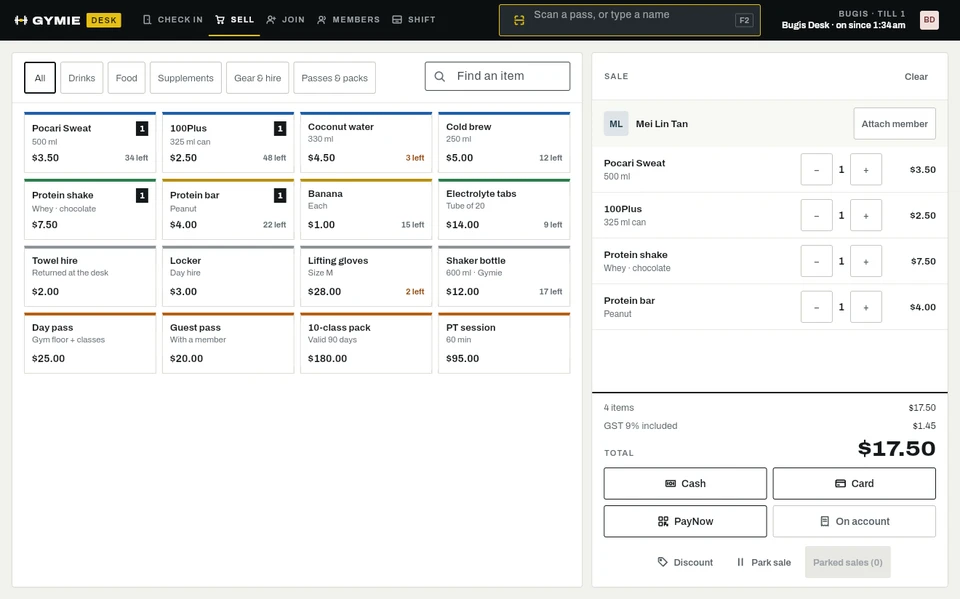
Book sparring and pads
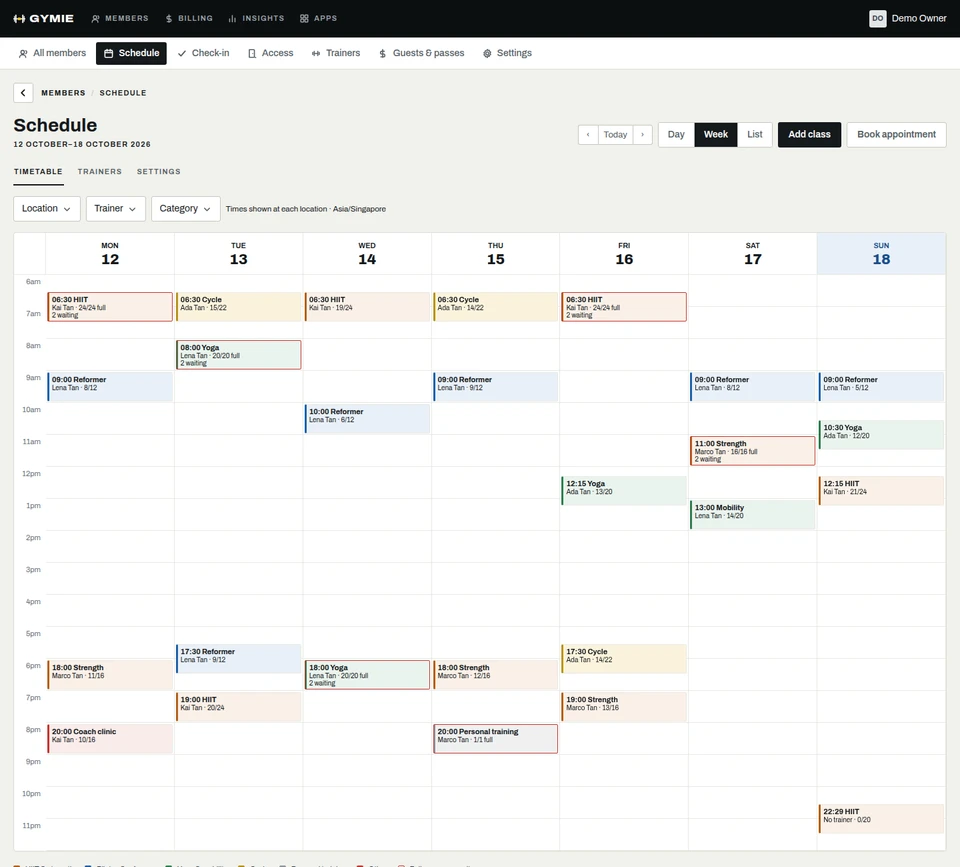
Members book classes in the app, and private sessions go in the trainer’s calendar as appointments.
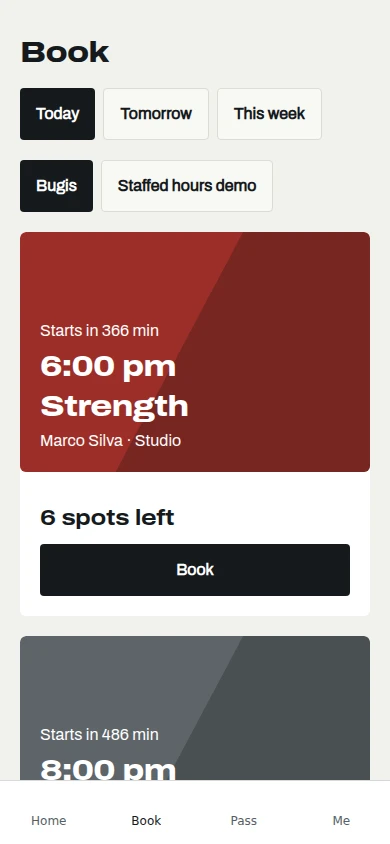
Everything at the front of the gym
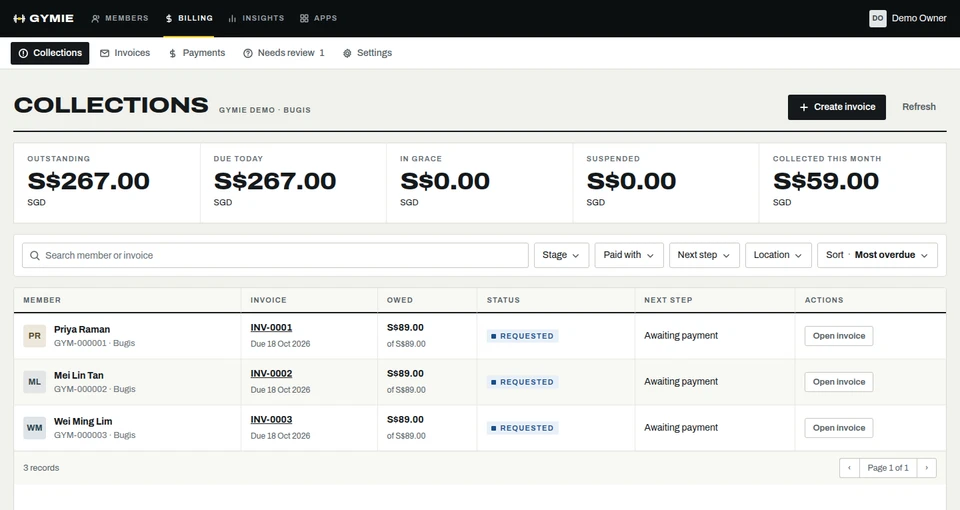
Each part of Gymie has its own colour, the way plates do. They share one member record, so the desk, the app and billing always agree.
Run a Saturday morning
Four members at the door. One owes money, one needs a new waiver. Clear the queue, sell a drink and close the till, in your browser.
At the door
Last scan
Sell
Four members in, an overdue bill paid, a waiver signed and the drawer counted.
A simplified preview. The real desk also signs up walk-ins, handles guests and refunds, prints receipts and shows a screen to the customer.
See your move before you make it
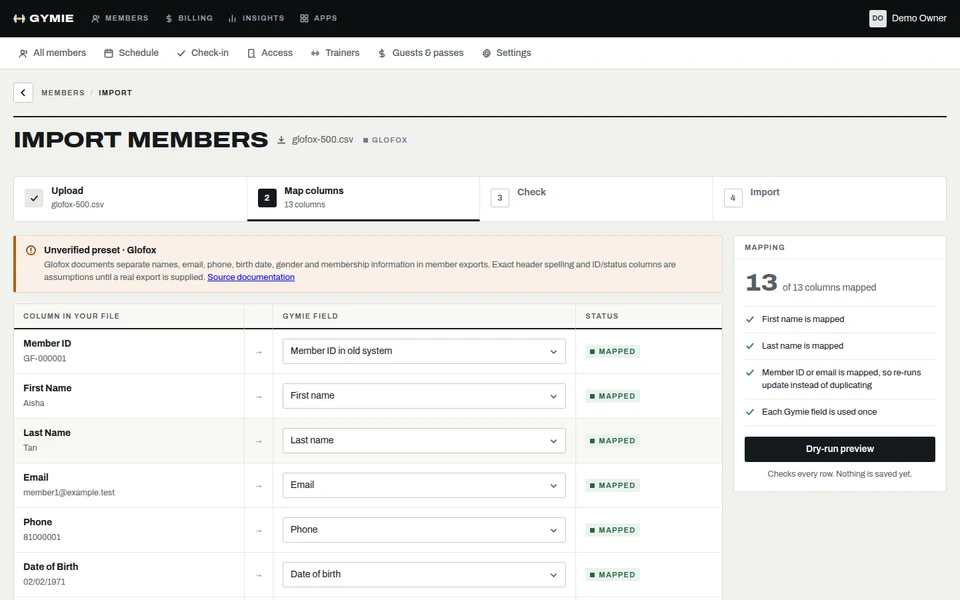
Drop the export from your current system and Gymie shows what comes across and what needs a look. Nothing goes live until you approve it.
- Glofox and Mindbody exports as they areGymie knows their column names, so you do not rename anything. Any other CSV works too.
- You approve every rowRows Gymie cannot place wait for your decision, with the reason, before the import runs.
- Members get their passOnce you go live, one email invites each member to the app.
Other kinds of floor





See it with your gym
Try the desk now, or message us on WhatsApp and we will set Gymie up with your real plans and prices.
30 days free. No card needed. WhatsApp us